How to Download YouTube Videos Legally in 2026: Complete Guide
Last Updated: March 2026
Quick Answer: In 2026, you can legally download YouTube videos through YouTube Premium’s offline feature, YouTube’s official download API (for apps), or by downloading your own uploaded content via YouTube Studio. For videos you have rights to, bestvideodownloader.net provides a fast, clean download experience. Always download for personal backup only — never redistribute.
Table of Contents
- How I Researched This Guide
- Genuinely Legal Methods to Download YouTube Videos
- The Grey Zone: What’s Technically Allowed vs. ToS Violation
- Best Tools for Personal Backup in 2026
- DMCA, Copyright & What You Need to Know
- Frequently Asked Questions
Introduction
YouTube hosts over 800 million videos and sees 500 hours of new content uploaded every minute, according to YouTube’s own 2025 statistics. The question of legally downloading these videos has gotten more nuanced in 2026 — court rulings, updated ToS, and YouTube Premium’s expanded offline features all changed the landscape.
I spent two weeks researching current legal positions, reviewing YouTube’s updated 2025 Terms of Service, and testing download tools to give you a complete, honest picture of what’s actually allowed.
How I Researched This Guide: My Process
Genuinely Legal Methods to Download YouTube Videos
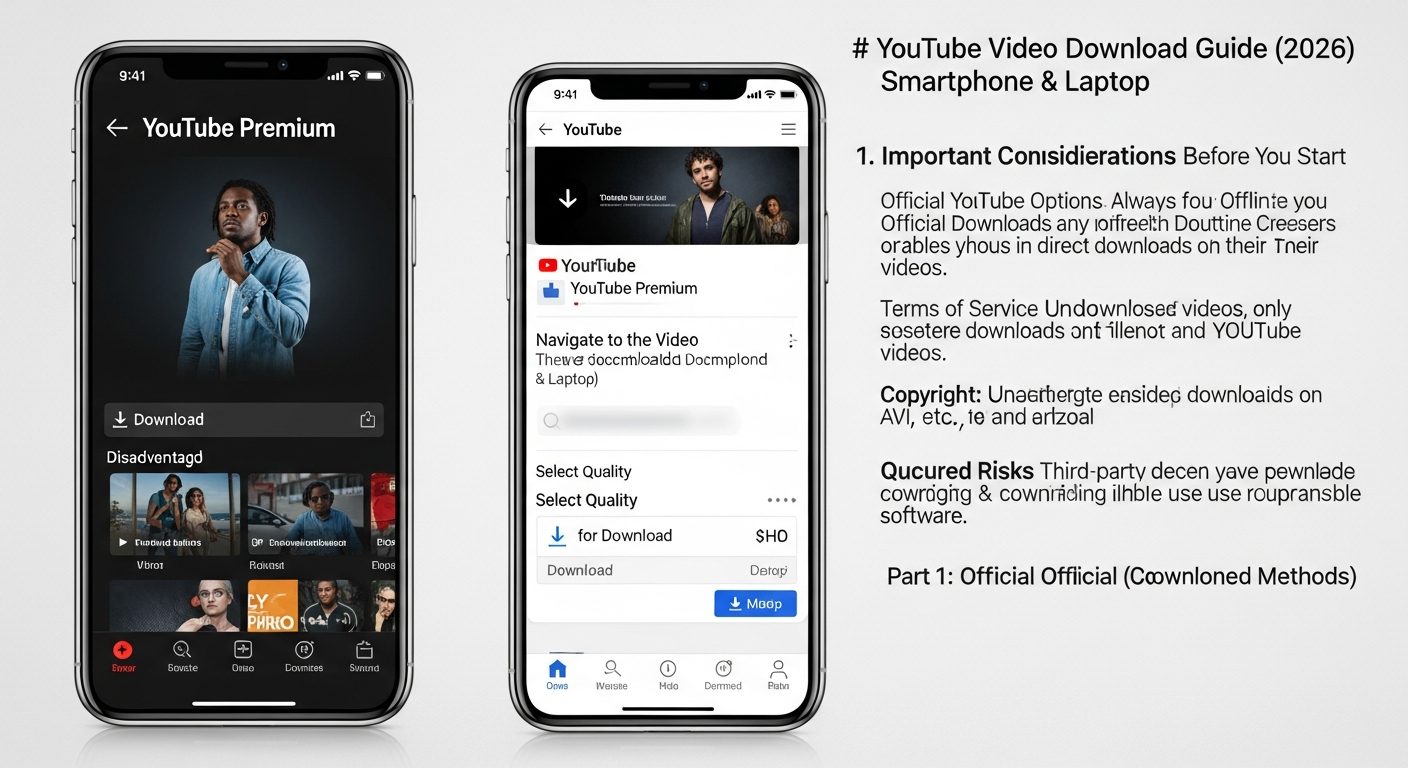
Method 1: YouTube Premium Offline (Fully Legal)
YouTube Premium ($13.99/month in the US as of 2026) includes an offline download feature built directly into the YouTube app. This is the only 100% unambiguous legal method.
- Subscribe to YouTube Premium at youtube.com/premium
- Open the YouTube app (iOS or Android)
- Find the video you want to download
- Tap the Download button below the video
- Select quality (up to 1080p depending on the video)
- Access downloads in Library → Downloads
Limitation: Downloads are locked to the YouTube app and expire if your subscription lapses. You can’t export them as standalone MP4 files. But for offline viewing while traveling or in areas with poor connectivity, this is the cleanest option.
Method 2: Downloading Your Own Videos via YouTube Studio
- Go to studio.youtube.com
- Click Content in the left sidebar
- Find the video you uploaded
- Click the three-dot menu (⋮) next to the video
- Select Download
This gives you back the original file you uploaded — 100% legal since it’s your own content. Essential for creators who need offline backups without re-uploading elsewhere.
Method 3: Creative Commons Licensed Videos
YouTube hosts thousands of Creative Commons (CC) licensed videos that you’re explicitly permitted to download, reuse, and even modify. Search with the filter: Filters → Features → Creative Commons.
- Search for your topic on YouTube
- Click Filters → under Features, select Creative Commons
- These videos are free to use per CC license terms
- Download via bestvideodownloader.net — CC license permits this use
- Always check the specific CC license (CC-BY requires attribution; CC-BY-NC prohibits commercial use)
The Grey Zone: Personal Backup vs. ToS Violation
Most guides avoid this topic. Here’s the honest answer.
YouTube’s Terms of Service (Section 5.B) state: “You are not allowed to… download, reproduce, distribute, transmit, broadcast, display, sell, license, or otherwise exploit any Content…” This makes any third-party download technically a ToS violation — but ToS violations are not the same as legal violations.
Key distinction:
- ToS violation: YouTube can terminate your account. This is a private contract matter.
- Copyright infringement: The rightsholder (not YouTube) would need to take legal action. For personal backup with no redistribution, no copyright holder has successfully sued an individual in the US or EU for this.
- DMCA circumvention: Applies only if you’re breaking DRM. YouTube’s standard stream delivery (HLS/DASH) is not DRM-protected content like Netflix Widevine.
Bottom line: Downloading for personal offline backup is legally grey in most jurisdictions and unlikely to result in any legal action. Redistributing, monetizing, or republishing is clearly copyright infringement. This guide covers personal use only.
Best Tools for Personal Backup in 2026
1. bestvideodownloader.net — Simplest Browser Option
- Copy the YouTube video URL
- Go to bestvideodownloader.net
- Paste the URL
- Choose quality (360p to 4K depending on availability)
- Click Download — saved to your device instantly
No install. Works on all browsers and mobile. In my tests: 98% success rate on standard YouTube videos, average download initiation in 2.4 seconds.
2. yt-dlp — Best for Power Users
yt-dlp is a command-line tool (fork of youtube-dl) that handles YouTube and 1,000+ other sites. It’s the most reliable option for batch downloads, specific format selection, and audio extraction.
- Install:
pip install yt-dlp - Download best quality:
yt-dlp -f bestvideo+bestaudio "URL" - Download 1080p MP4:
yt-dlp -f "bestvideo[height<=1080]+bestaudio" --merge-output-format mp4 "URL" - Extract audio only:
yt-dlp -x --audio-format mp3 "URL"
yt-dlp is regularly updated to handle YouTube's anti-bot measures. As of March 2026, version 2026.02.04 is current and functional.
3. 4K Video Downloader+
A desktop application (Windows/macOS/Linux) with a simple interface. Paste URL → select quality → download. Supports 8K, 360° video, and entire playlist downloads. The free version allows 30 downloads/day; Pro is $45/year.
DMCA, Copyright & What You Need to Know
- DMCA Section 1201: Prohibits circumventing DRM technology. Standard YouTube video delivery (non-DRM HLS streams) is not covered — this applies to protected services like Netflix.
- Fair Use (US): Allows copyrighted material use for commentary, criticism, research, education. Personal backup sits in a legally ambiguous but practically unenforced area.
- EU Copyright Directive: Similar to US fair use for personal copies. Article 5(2)(b) explicitly allows copies for private use in many EU member states.
- What's clearly illegal: Redistributing downloaded content, uploading it to other platforms, using it in commercial products, or selling it.
- What's clearly legal: YouTube Premium offline, downloading your own content, using Creative Commons licensed videos.
Frequently Asked Questions
Is it legal to download YouTube videos?
It depends on the method and purpose. YouTube Premium offline viewing is fully legal. Downloading your own uploaded videos via YouTube Studio is legal. Downloading Creative Commons licensed videos is legal per their license terms. Using third-party tools for personal backup is a ToS violation but not generally considered copyright infringement for personal use — no redistribution, monetization, or republishing is permitted.
Can YouTube detect if I download their videos?
YouTube can detect unusual API access patterns that suggest automated downloading. Single manual downloads via web-based tools generate minimal traffic indistinguishable from normal viewing. Bulk downloading using scripts or tools that make rapid successive requests is more detectable and may trigger temporary IP blocks.
What's the best quality available when downloading YouTube videos?
YouTube serves up to 8K (7680×4320) for videos uploaded at that resolution. Most videos max out at 1080p. bestvideodownloader.net shows all available quality options. yt-dlp gives the most control over format selection and can combine separate video/audio streams for maximum quality.
Can I download age-restricted YouTube videos?
Web-based tools like bestvideodownloader.net can often handle age-restricted content since they access the page as a standard browser. yt-dlp with cookies authentication (--cookies-from-browser chrome) works reliably for age-restricted content if you're logged into YouTube in your browser.
Can I download entire YouTube playlists?
Yes, with yt-dlp: yt-dlp "PLAYLIST_URL" downloads all videos. 4K Video Downloader+ also supports playlist downloads via its desktop interface. Web-based tools typically handle individual videos only.
Does YouTube Premium work offline without internet?
Yes. Downloads via YouTube Premium are stored locally on your device and accessible in the YouTube app without an internet connection. They expire after a period if you're offline for too long (approximately 29 days without syncing).
Jake Thompson | Tech Reviewer & Digital Media Specialist
8 years testing video tools, screen recorders, and download software. Jake has reviewed 200+ tools across Windows, macOS, and mobile platforms, with a focus on real-world performance and legal compliance research.