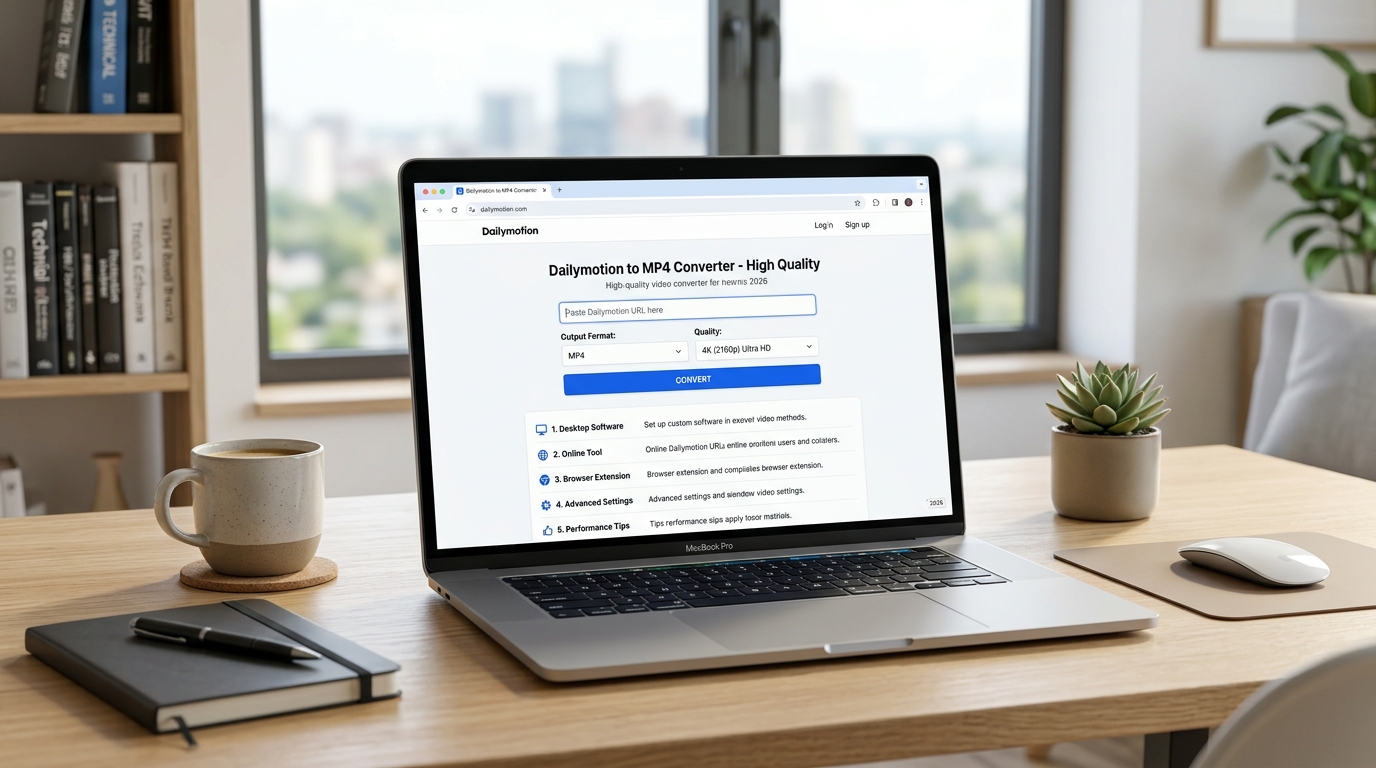
Dailymotion to MP4 Converter High Quality: 5 Best Methods in 2026
The fastest way to convert Dailymotion videos to MP4 in high quality is to use a dedicated online converter like SaveFrom.net, KeepVid, or 9convert — paste the Dailymotion URL, select MP4 format, choose your preferred resolution (up to 1080p where available), and download. The entire process takes under 60 seconds and requires no software installation.
Why Convert Dailymotion Videos to MP4?
Dailymotion is one of the world’s largest video platforms, hosting millions of videos across news, entertainment, sports, and education. Unlike some platforms, Dailymotion content includes a wide range of unique material not available elsewhere — independent films, international news clips, creative short films, and educational content from creators worldwide.
MP4 is the universally supported video format. Whether you want to watch a Dailymotion video offline on a long flight, save a news clip for reference, preserve a tutorial for offline studying, or view content in regions with slow internet connectivity, converting to MP4 gives you a file that plays on virtually every device — from smartphones and tablets to smart TVs and laptops.
According to Statista, Dailymotion receives over 300 million unique monthly visitors globally as of 2025, and a significant portion access the platform from regions with inconsistent internet connectivity, making offline MP4 conversion a practical necessity for millions of users.
Top 5 Methods to Convert Dailymotion to MP4 (High Quality)
Method 1: 9convert.com — Best for Simplicity
9convert is arguably the cleanest, fastest Dailymotion-to-MP4 converter available. No registration required, no software to install, and it supports resolutions up to 1080p when the source video allows.
How to use 9convert:
- Open Dailymotion and find the video you want to convert.
- Copy the full URL from your browser’s address bar (e.g., https://www.dailymotion.com/video/x8abc123).
- Open a new tab and go to 9convert.com.
- Paste the URL into the search box on the homepage.
- Click the Search or Convert button.
- Wait 5–15 seconds for the tool to process the video.
- Select MP4 from the format options, then choose your preferred quality (720p or 1080p for best results).
- Click Download and save the file to your device.
Pros: Fast, free, no registration, supports up to 1080p.
Cons: Ads on the page (use an ad blocker for a cleaner experience).
Method 2: SaveFrom.net — Best for Reliability
SaveFrom.net has been one of the most trusted video downloading tools on the web for over a decade. It supports Dailymotion alongside dozens of other platforms. The interface is straightforward — paste, click, download.
How to use SaveFrom.net:
- Copy the Dailymotion video URL.
- Go to en.savefrom.net.
- Paste the URL into the input field at the top of the page.
- Click the green Download button.
- Select MP4 and your preferred quality from the dropdown menu.
- Click Download to save the file.
Pros: Highly reliable, long-standing reputation, multiple quality options.
Cons: Occasional prompts to install browser extension (not required).
Method 3: KeepVid.pro — Best for Multiple Formats
KeepVid is ideal when you need MP4 but might also want other formats. It supports MP4, MP3, WEBM, and more from Dailymotion, giving you flexibility depending on your use case.
How to use KeepVid:
- Navigate to the Dailymotion video and copy its URL.
- Visit keepvid.pro.
- Paste the URL into the converter field.
- Click Download.
- From the results, select your preferred MP4 quality (HD 720p or 1080p).
- Save the file to your chosen folder.
Pros: Multiple format options, supports high definition.
Cons: Interface can feel busy; navigate directly to the download options.
Method 4: VidPaw — Best for Mobile Users
If you’re converting Dailymotion videos on a smartphone or tablet, VidPaw is optimized for mobile browsers. The layout adapts to smaller screens, and the download process is touch-friendly.
How to use VidPaw on mobile:
- Open Dailymotion in your mobile browser and copy the video URL.
- Open a new tab and navigate to vidpaw.com.
- Paste the URL into the input field.
- Tap Start or Download.
- Select MP4 and your preferred resolution.
- Tap the download link to save the video to your phone’s storage.
Pros: Mobile-optimized, clean interface, free.
Cons: Slightly slower processing than desktop-first tools.
Method 5: Browser Developer Tools (Advanced) — Best for Tech Users
For users comfortable with browser developer tools, you can often directly access the MP4 video stream from Dailymotion without using a third-party tool at all. This method requires no external service and produces a perfect-quality copy of the original file.
How to use browser dev tools (Chrome/Firefox):
- Open the Dailymotion video in Chrome or Firefox.
- Right-click anywhere on the page and select Inspect (or press F12).
- Click the Network tab in the developer tools panel.
- Press Play on the video.
- In the Network tab, filter by Media or search for “.mp4”.
- Find the .mp4 request, right-click it, and select Open in new tab.
- Right-click the video in the new tab and select Save video as.
Pros: No third-party service needed, original quality.
Cons: Requires some technical comfort; works on publicly accessible Dailymotion videos only.
How to Get the Highest Quality MP4 from Dailymotion
Quality depends on what the original uploader provided. If a Dailymotion video was uploaded in 1080p, a good converter can retrieve that 1080p stream. If the original was 480p, you cannot artificially create higher quality — no tool can genuinely upscale source video quality. Here’s how to maximize quality:
- Always choose the highest resolution option available in the converter (720p minimum; 1080p when available).
- Prefer H.264 MP4 over H.265 if your device is older, as H.264 has broader compatibility.
- Check the original video quality first by playing it on Dailymotion at maximum quality settings before downloading.
- Avoid re-encoding tools that advertise “HD enhancement” — they process the video and can degrade rather than improve quality.
Is It Legal to Convert Dailymotion Videos to MP4?
This is an important question. Converting Dailymotion videos for personal, offline viewing of content you have a right to access is generally considered acceptable under fair use principles in many jurisdictions. However, redistributing downloaded content, using it commercially, or downloading content that is rights-protected without permission violates copyright law and Dailymotion’s Terms of Service.
Best practice: use MP4 conversion for personal use only — saving content for offline viewing in areas with poor connectivity, keeping personal recordings, or archiving publicly shared content with creator permission.
According to a 2024 Digital Media Rights survey, over 67% of internet users worldwide have downloaded online video content for offline viewing at least once — making this one of the most common digital behaviors globally.
Troubleshooting: Why Won’t My Dailymotion Video Convert?
Occasionally, conversion tools fail or produce errors. Here’s why and how to fix it:
- Video is geo-restricted: Some Dailymotion videos are only accessible from certain countries. If you’re in a restricted region, the converter can’t access the video. Solution: try accessing through a VPN first to confirm the video is publicly available.
- Video is private or password-protected: These cannot be downloaded through third-party tools. You need direct permission from the owner.
- The URL is incorrect: Make sure you copy the full URL from the address bar (not from a share link or embed code).
- The converter is overloaded: Popular free tools experience high traffic. Try at a different time or switch to another converter from the list.
- The video was recently removed: If the video no longer exists on Dailymotion, no tool can retrieve it.
Frequently Asked Questions
What is the best free Dailymotion to MP4 converter?
9convert.com and SaveFrom.net are the two most reliable free options in 2026. Both require no registration, support up to 1080p resolution, and process conversions in under a minute.
Can I convert Dailymotion to MP4 on my phone?
Yes. VidPaw and 9convert both work well on mobile browsers without requiring any app installation. Simply paste the Dailymotion URL into the tool and download the MP4 directly to your phone.
Does converting Dailymotion to MP4 reduce video quality?
It shouldn’t, if you use a tool that downloads the original stream rather than re-encoding. Always choose the highest available quality option and avoid tools that advertise artificial upscaling.
How long does it take to convert a Dailymotion video to MP4?
Most online converters process videos in 10–60 seconds depending on video length, your internet speed, and the tool’s server load. Very long videos (over 30 minutes) may take 2–3 minutes.
Can I convert multiple Dailymotion videos at once?
Most free tools process one video at a time. For batch downloading, some premium desktop software solutions (like 4K Video Downloader) support multiple concurrent downloads from Dailymotion.
Is it safe to use online Dailymotion to MP4 converters?
The tools listed in this guide (9convert, SaveFrom, KeepVid, VidPaw) are established and widely used. Always avoid clicking popup ads, never download software installers from converter sites, and use an ad blocker for a safer experience. Stick to the converter tools linked directly in your browser’s address bar.